


Learn through the super-clean Baeldung Pro experience:
>> Membership and Baeldung Pro.
No ads, dark-mode and 6 months free of IntelliJ Idea Ultimate to start with.
Learn through the super-clean Baeldung Pro experience:
>> Membership and Baeldung Pro.
No ads, dark-mode and 6 months free of IntelliJ Idea Ultimate to start with.
vi and nano are two popular terminal-based text editors. Under Unix-like systems, vi is among the most capable and established text editors. nano is an even more user-friendly terminal text editor, particularly for novices.
In this tutorial, we’ll discuss some Linux editor options that we find helpful besides vi and nano, considering their similarities and differences.
The user’s requirements and preferences frequently influence the decision between vi and nano. Considering their varying experience and editing needs, each editor has its advantages and disadvantages.
Firstly, let’s dig into the challenges related to both vi and nano:
A few text editors can serve as alternatives to using vi and nano.
A user-friendly command-line text editor named ne (also known as “Nice Editor”) offers all necessary editing features and strives to be compact.
Let’s keep in mind a few things when choosing the ne editor:
Now, let’s launch the ne editor:
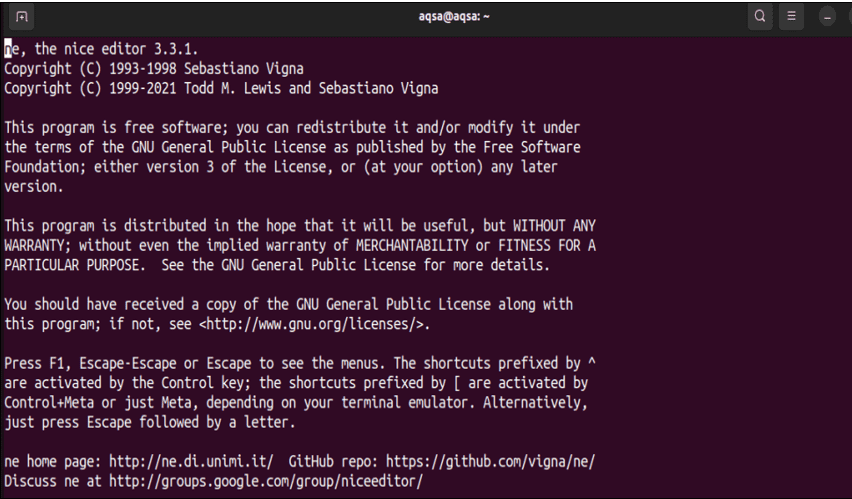
The ne editor is launched and displays its installed version and basic information.
Developers, authors, and anyone else who frequently works with text can use GNU Emacs, a robust and versatile text editor that is very customizable.
Now, let’s go through some advantages of Emacs:
One of its drawbacks is that users who avoid complexity and favor frivolous, easy, and basic text editors tend to like the GNU nano editor. Those who avoid complexity and prefer lighthearted, simple, and straightforward text editors often choose the GNU nano editor.
Due to its extensive features, GNU Emacs requires more time to master, while GNU nano requires less time and input.
Now it’s the right time to launch the GNU Emacs editor:
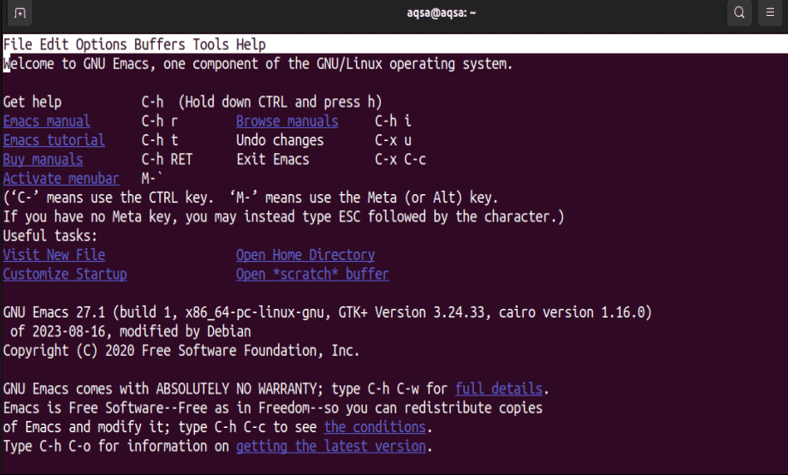
From the above screen, we can see the basic shortcut keys to get help. Moreover, it displays the installed version and some menus at the top of the editor screen to edit or save the data.
Tilde, often known as the Tilde text editor, is a comparatively recent addition to the Linux text editing community.
Some of the features of the Tilde editor are:
Now, we’ll launch the Tilde text editor in the system:
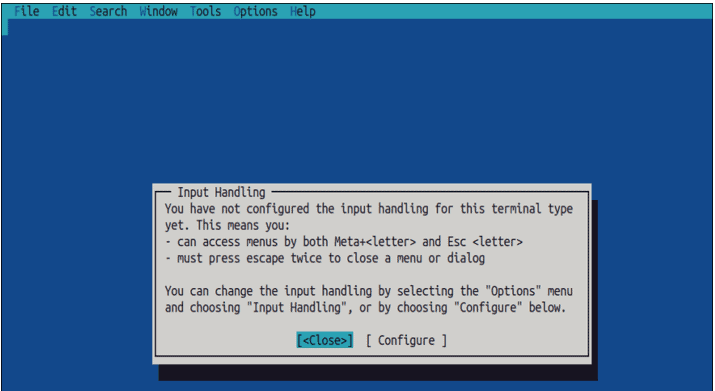
The editor and its configuration screen is displayed.
micro is a user-friendly and feature-rich text editor that runs on a terminal. It is suitable for novices and experts and balances ease of use and functionality.
Let’s go over a few basic features of the micro editor:
Now, let’s have a look at the micro editor:
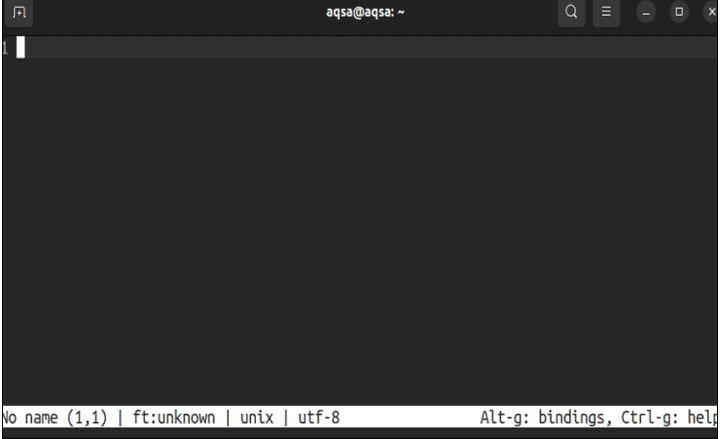
The interface of the micro editor presents some basic shortcut keys.
In this article, we’ve discussed alternative editors to vi and nano. Each offers advantages concerning functionality, usability, and user interface. Firstly, we listed some challenges users may experience using the vi and nano editors. Meanwhile, we’ve also explored some key features of ne, Emacs, Tilde, and micro editor in detail, along with their interfaces.
One of these editors can be the ideal choice for users, depending on their requirements and comfort level with new tools.